Smart Home Gadgets Worth Buying in 2025: A Buyer's Guide
By Taylor Morgan · Published · Updated · 4 minutes read
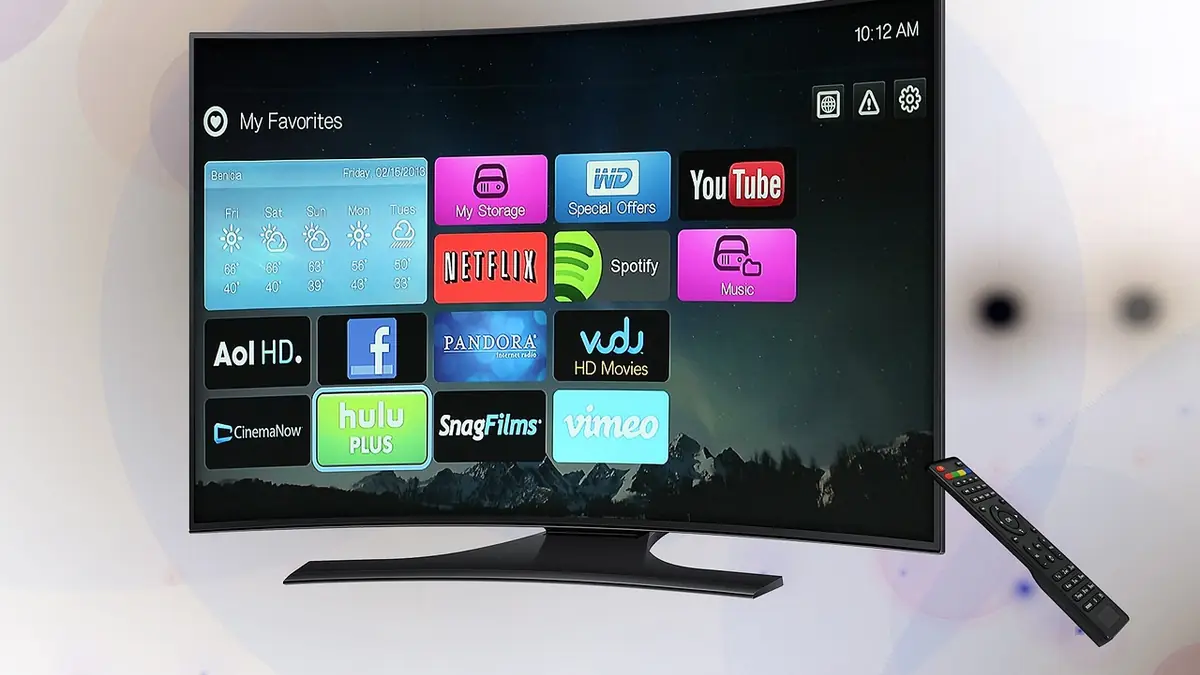
Smart home gadgets have matured from novelty to genuinely useful tools. But with hundreds of products on the market, it's easy to overspend on features you'll never use or buy devices that won't work together.
This guide cuts through the hype. We focus on gadgets that offer solid value in 2025—reliable, interoperable, and with sensible running costs—so you can build a smart home that actually makes life easier.
Start with a Smart Hub or Speaker
A hub is the brain of your smart home, connecting devices and enabling automation. In 2025, the best value hubs support multiple protocols: Wi-Fi, Bluetooth, Zigbee, and Matter. Expect to pay $50–$150 for a capable hub. Popular options include the Amazon Echo (4th gen) with built-in Zigbee, or a dedicated hub like the Aeotec Smart Home Hub. If you're an Apple user, the HomePod mini doubles as a Thread border router for Matter devices.
A hub isn't strictly necessary if you only use Wi-Fi devices, but it improves reliability and reduces clutter on your network. It also enables local automation, so routines still work when the internet is down. For most households, a hub is a worthwhile first purchase.
When choosing, check compatibility with the devices you plan to add. Matter support is becoming standard, but older Zigbee and Z-Wave devices may need a specific hub. If you're unsure, start with a speaker that also acts as a hub—it's a low-risk entry point.
- Look for Matter and Thread support for future-proofing.
- Built-in Zigbee in Echo speakers saves buying a separate hub.
- Local processing means automations work offline.
Smart Lighting: Bulbs, Switches, and Sensors
Smart lighting is the easiest win. You can start with a few smart bulbs ($15–$50 each) or smart switches ($30–$60) if you want to keep standard bulbs. Bulbs are simpler for renters; switches are better for controlling multiple bulbs at once and maintaining manual control. Brands like Philips Hue, LIFX, and TP-Link offer reliable options.
Consider the protocol: Wi-Fi bulbs are easy to set up but can congest your network if you have many. Zigbee and Thread bulbs require a hub but are more responsive and use less power. For a few bulbs, Wi-Fi is fine; for whole-house lighting, a hub-based system is more robust.
Motion sensors ($20–$40) add automation: lights turn on when you enter a room. Pair them with smart switches to avoid needing smart bulbs everywhere. A simple setup with a few sensors and switches can cost under $200 and deliver most of the convenience.
- Bulbs are renter-friendly; switches suit permanent installs.
- Zigbee/Thread scales better than Wi-Fi for many bulbs.
- Motion sensors automate lighting without apps.
Smart Security: Cameras and Doorbells
Security cameras and video doorbells have become affordable and feature-rich. Expect to pay $30–$80 for an indoor camera, $50–$150 for an outdoor camera, and $80–$200 for a video doorbell. Features like 2K resolution, color night vision, and person detection are now common at these prices.
The bigger cost can be cloud storage. Most brands offer free tiers with limited history (e.g., 3-hour clips) and paid plans ($3–$15 per month per camera). Local storage via microSD or a base station avoids subscriptions. If you have multiple cameras, local storage is often cheaper long-term.
Integration matters: choose cameras that work with your hub or voice assistant. Many support Alexa, Google Home, and HomeKit. For privacy, look for models with local processing and physical privacy shutters.
- Cloud subscriptions add up; local storage saves money.
- Check for person/package detection to reduce false alerts.
- Ensure compatibility with your smart home platform.
Smart Thermostats: Comfort and Savings
A smart thermostat can cut heating and cooling bills by 10–15% according to manufacturer claims, though actual savings vary with climate and usage. Prices range from $100 to $250. The Google Nest Thermostat ($130) and ecobee Smart Thermostat ($190) are popular choices with geofencing and scheduling.
Installation is usually DIY-friendly if you have a C-wire (common wire). If not, some models include adapters or can run on batteries. Check compatibility with your HVAC system before buying—heat pumps and multi-stage systems may need specific models.
Many utilities offer rebates for smart thermostats, which can offset the cost. Check your local energy provider's website. Also consider whether you want remote sensors for room-specific comfort; the ecobee includes one, while Nest sells them separately.
- Savings depend on usage patterns and climate.
- Check for C-wire requirement or included adapter.
- Utility rebates can significantly reduce upfront cost.
Smart Plugs and Power Monitoring
Smart plugs ($10–$30) are the cheapest way to make dumb devices smart. Use them for lamps, fans, coffee makers, or holiday lights. Some models include energy monitoring, which shows how much power a device uses—useful for identifying energy hogs.
For example, a smart plug with energy monitoring can reveal that an old fridge uses $10/month in electricity, prompting an upgrade. Plugs are also handy for creating schedules and timers without replacing the device.
Choose plugs that support your hub or Wi-Fi. Matter-enabled plugs are becoming available and offer better interoperability. Avoid cheap unbranded plugs, as they may lack safety certifications.
- Energy monitoring helps cut wasteful standby power.
- Matter support ensures cross-platform compatibility.
- Look for UL or ETL certification for safety.
| Gadget | Typical Price Range | Subscription Cost | Best For |
|---|---|---|---|
| Smart Hub/Speaker | $30–$150 | None | Central control, automation |
| Smart Bulb (each) | $15–$50 | None | Renters, accent lighting |
| Smart Switch | $30–$60 | None | Whole-room control |
| Security Camera | $30–$150 | $3–$15/mo per camera | Indoor/outdoor monitoring |
| Video Doorbell | $80–$200 | $3–$10/mo | Front door security |
| Smart Thermostat | $100–$250 | None | Energy savings, comfort |
| Smart Plug | $10–$30 | None | Making dumb devices smart |
Smart Speakers and Displays
Smart speakers ($30–$100) and displays ($80–$250) serve as voice assistants and control hubs. The Amazon Echo Dot ($50) and Google Nest Mini ($50) are affordable entry points. Displays like the Echo Show 8 ($130) add video calling and streaming.
Consider which ecosystem you're in: Alexa has the widest device support, Google Assistant integrates well with Android and Google services, and Apple's HomePod mini ($99) is best for HomeKit users. All three now support Matter, improving cross-compatibility.
Privacy is a consideration: speakers with cameras (displays) may have privacy shutters. You can also mute the microphone when not in use. For bedrooms, a speaker without a camera is often preferable.
- Choose based on your phone ecosystem and preferred assistant.
- Displays are useful for video calls and security camera feeds.
- Check for physical camera shutters and mute buttons.
Building a Smart Home on a Budget
You don't need to buy everything at once. Start with a hub or speaker, then add smart plugs and bulbs room by room. Prioritize routines that save time or energy: automated lighting, thermostat schedules, and security alerts.
Look for sales, especially around Black Friday and Prime Day. Refurbished devices from reputable brands often carry full warranties and cost 20–30% less. Also check utility rebates for thermostats and energy-saving devices.
Avoid proprietary systems that lock you in. Matter is designed to solve this, but adoption is still growing. Stick with brands that support multiple platforms and have a track record of updates.
- Buy in phases; start with high-impact automations.
- Refurbished units can offer big savings with warranty.
- Prefer Matter-certified devices for future flexibility.
- Start with a hub or speaker that supports Matter for future compatibility.
- Smart lighting and plugs offer the best value for beginners.
- Consider local storage for security cameras to avoid ongoing cloud fees.
- Check for utility rebates on thermostats and energy-saving devices.
Taylor has experience in affiliate marketing and freelance writing. They share practical strategies for making money online without hype. Taylor's articles focus on realistic methods and low-cost startups.